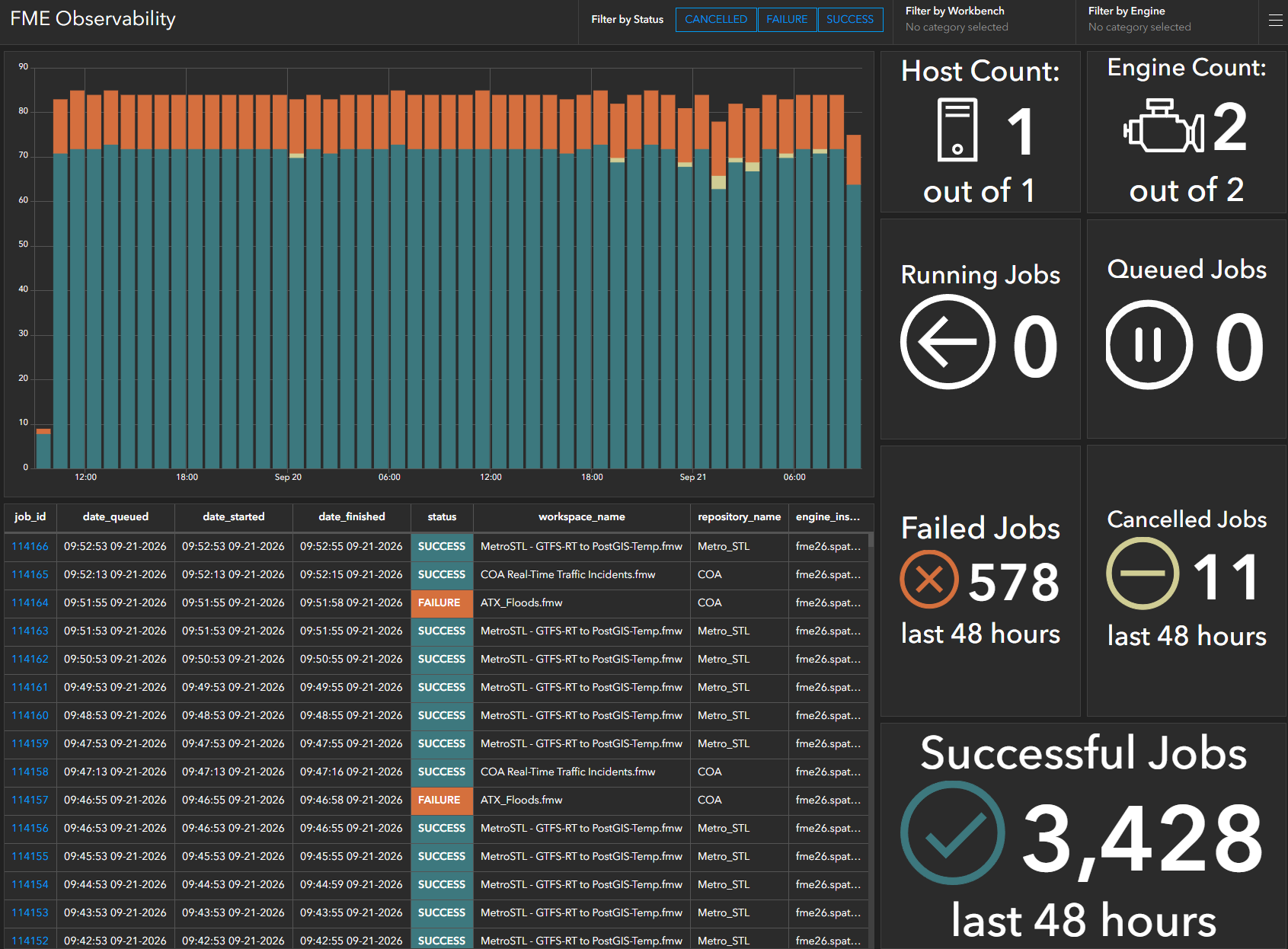
One of the recurring headaches with FME Flow is understanding how jobs are actually behaving once a system gets busy. After a decade managing FME Flow environments, processing thousands of jobs a day, across hundreds of schedules and dozens of users, we knew it would help if we could see log data laid out in a way that could be read at a glance, not just scrolled through. This course walks through how we built a solution using an ArcGIS Enterprise Dashboard and ArcGIS Monitor.
Once you’re at that scale, a handful of questions come up constantly, and they’re not easy to answer from the FME Flow UI:
- What workbenches have failed in the last hour? Or the last few hours?
- Are those failures concentrated on a specific engine?
- What’s the trend of failures?
- Is it the same workbenches failing repeatedly?
- Is it the same engine every time?
- Are all the engines registered into the cluster?
This course will teach you how to build a unified command center that tracks your FME Flow data pipelines in real-time, ensuring your disparate systems stay synced and your users stay happy, using ArcGIS Dashboards in ArcGIS Enterprise and ArcGIS Monitor. Along the way, you’ll write the SQL queries, publish them as query layers, build the dashboard and configure Monitor alerts to flag issues as they happen. The result is real-time observability into your FME Flow job history, with the ability to filter by engine, workbench name, or owner, and to spot trends over time rather than just scrolling through a list of jobs.
To download the SQL scripts mentioned in this course, visit our GitHub repository.